
Designing the AktivGrid
Reimagining molecule drawing for students and instructors.
A visual chemistry tool designed to teach through interaction, not just evaluation.
Client
- Top Hat
Industry
- EdTech
- STEM
- eLearning
- SaaS
Services
- UX Research
- Product Design
- Mobile Design
- Design System
- Accessibility Design
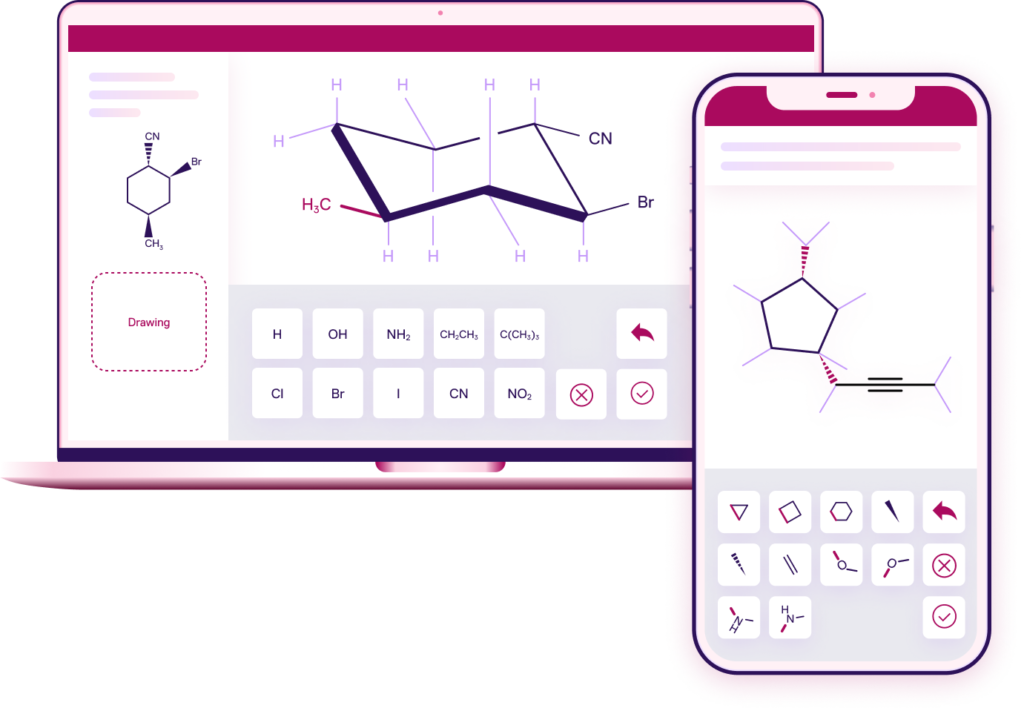
What is AktivGrid?
AktivGrid is a patented interactive molecule drawing tool that helps students visualize and construct Lewis structures, skeletal formulas, resonance structures, and curved-arrow mechanisms directly within chemistry assignments. It’s used by both students and instructors to explore, learn, and reinforce molecular concepts.
Unlike traditional digital drawing tools, AktivGrid wasn’t built to just verify correctness. It was created to encourage mistake-driven learning, making the invisible logic of chemistry visible.
Initial Goals & Challenges
The core mission was to improve the way students interact with molecular structures across a wide range of chemistry topics. Prior to AktivGrid, most activities were static or multiple-choice. These failed to capture the nuance of:
Resonance structures
Curved arrow mechanisms
Chair conformations
Conformational analysis using Newman projections
As we began, there was no system or component library that could support this vision — this wasn’t a redesign. It was a zero-to-one product challenge.
We didn’t need just another tool. We needed one that would actually teach chemistry while students use it.
Curriculum Team Lead
What Makes AktivGrid Unique?
- Molecule drawing for learning, not just assessment
- Scaffolded interface tailored to chemistry pedagogy
- Real-time feedback that supports student reasoning
- Modular tools like arrow drawing, Chair & Newman projections
- Accessibility and clarity-first design
Discovery & Research
My first step was to understand how instructors were currently teaching these concepts — and where digital tools were failing. I spoke to:
Internal curriculum designers
Chemistry professors at partner universities
Support teams handling student pain points
Key Insights
Paper still dominates: Students default to sketching on paper because digital alternatives feel clunky or overly strict.
Learning > Grading: Instructors emphasized the need for tools that support learning from mistakes, not just right/wrong feedback.
Tools needed to feel “chemistry native”: Arrow drawing and structure tools had to respect the cognitive models chemists use when teaching.
AktivGrid empowers STEM learning with innovative design
The Design Process
01 — Foundations
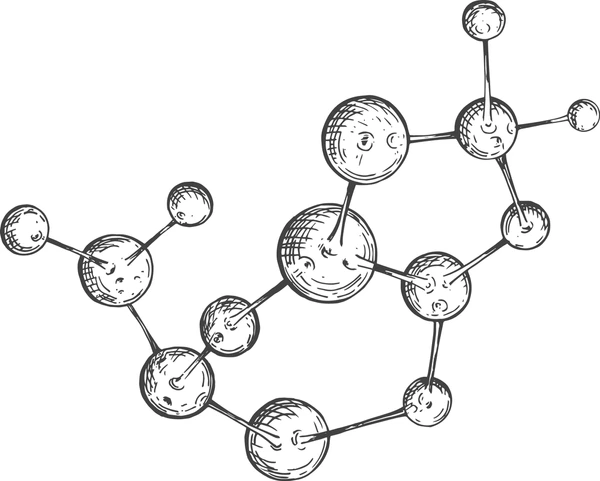
We began by defining a visual interaction system that mirrored how molecules are taught: atoms, bonds, charges, and movement. I developed the initial layout system and input logic for:
Atom and bond placement
Electron pair representation
Dynamic error validation (e.g., formal charge, octet rules)
02 — Early Iterations
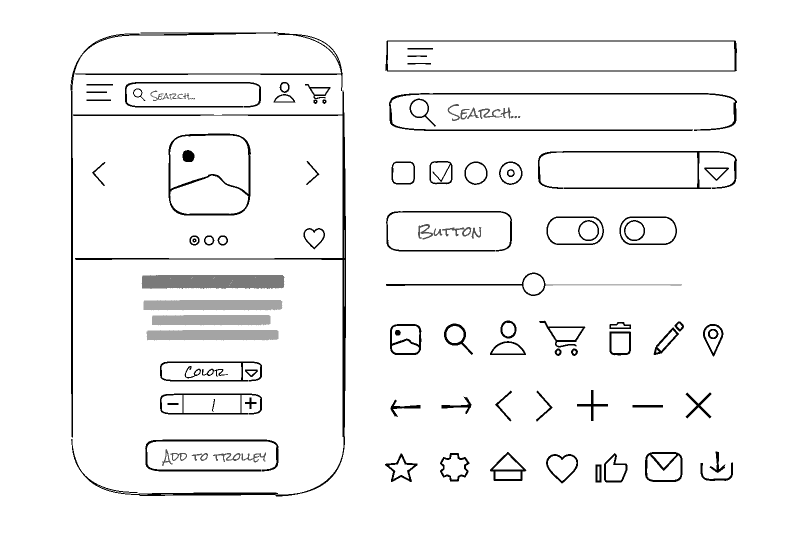
We explored multiple interaction models:
Contextual sidebars vs floating toolbars
Tap-to-place vs click-and-drag
Sequential vs free-form sketching
Testing revealed that:
Students preferred flexibility, even at the risk of making errors
Instructors wanted control over what tools were allowed per question
03 — Prototyping for Pedagogy
I designed early prototypes in Figma and worked closely with engineering to bring interactive demos to life.
We focused on:
Live validation logic (e.g. alerting when formal charges are missing)
Tool toggles: Switch between hexgrid or free form drawing based on learning objectives
Integrated feedback: Hints and mistakes surfaced inline
This tool doesn’t just say I’m wrong — it shows me why and gives me a chance to fix it.
Student Feedback, Organic Chemistry
🔄 Arrow Drawing Tool
Supports reaction mechanisms and resonance movement.
🪑 Chair Interactives
Lets students manipulate axial/equatorial positions on cyclohexane rings.
🔘 Newman Projections
Students can rotate and analyze conformational isomers.
My Role & Contributions
As the lead (and only) designer on this project, I owned the full product design lifecycle:
Conducted user interviews and synthesized findings into UX principles
Designed all interaction patterns for molecule drawing and feedback logic
Built the visual system and documented edge cases for engineering
Collaborated with content authors to ensure tools matched pedagogical needs
Created training materials and onboarding guides post-launch
Results & Impact
- Adopted by hundreds of universities in General & Organic Chemistry
- Students using AktivGrid reported higher retention and fewer retries on scaffolded mechanism problems
- Became a central feature on Aktiv’s Organic Chemistry marketing page
- Led to increased feature adoption across courses with visual topics
- Inspired roadmap features like AI feedback and instructor-created presets
-
Received Patent
(US Patent #: 1 2,347,531 B2)
Takeaways
This project was one of the most rewarding design challenges I’ve led — not because it was flashy, but because it solved real, nuanced problems for real learners.
What I learned
Build tools around the learner’s thinking, not the system’s logic
Designing for learning means leaning into error states and feedback clarity
Cross-functional collaboration (especially with subject matter experts) is critical to staying aligned with educational goals